App & UI Ad Examples
Browse 668 app and UI mockup ad examples sourced from high-performing campaigns. Clone any design, swap in your product, and get a finished ad in seconds.
Updated October 2026
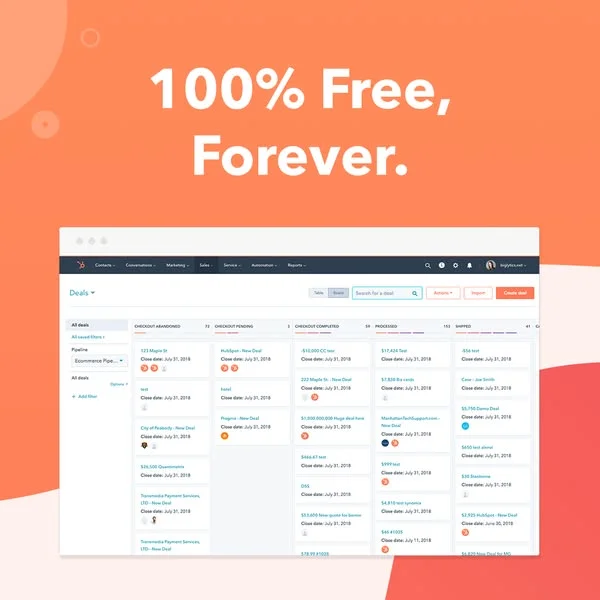
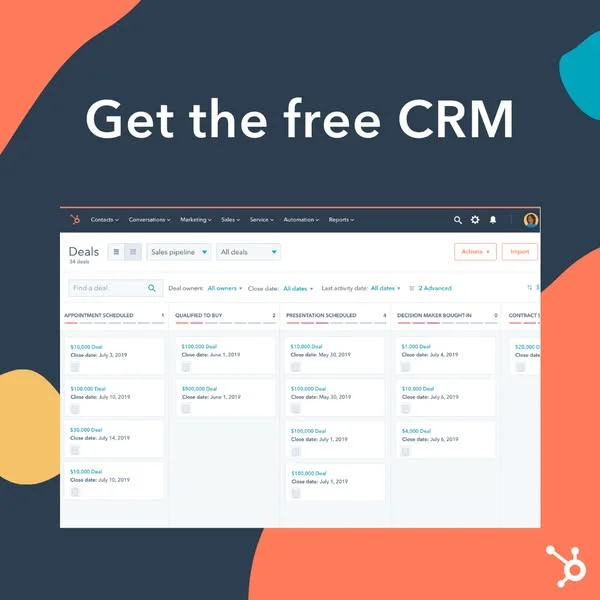
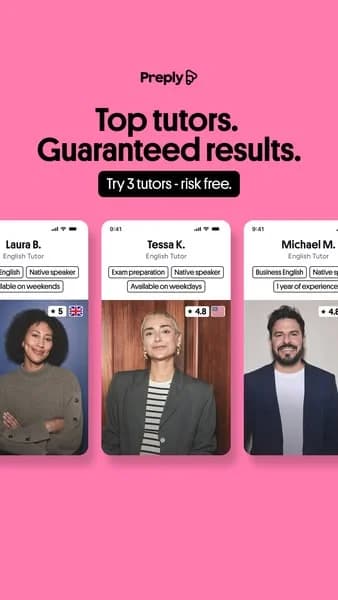
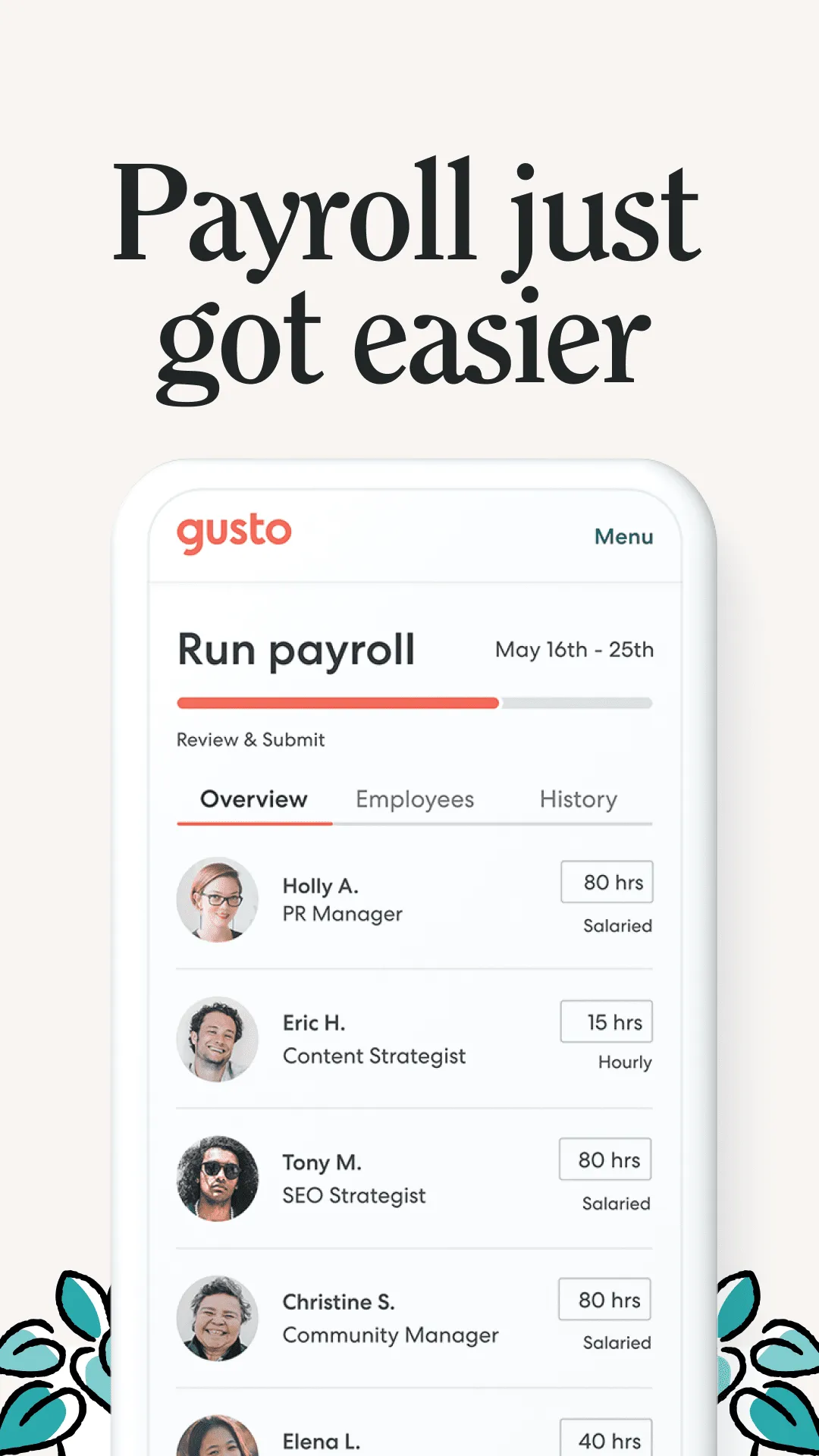
App and UI ads sell software by showing it. iPhone frame mockups with the app screen inside, zoomed-in interface details with callout annotations, before-and-after feature reveals — creative puts the product's interface at the center because that's what the buyer is purchasing. SaaS brands and mobile apps live on this format because descriptions of features underperform screenshots of features. Every top-performing app install ad in 2026 leans on UI-forward creative, not mood imagery or brand photography.
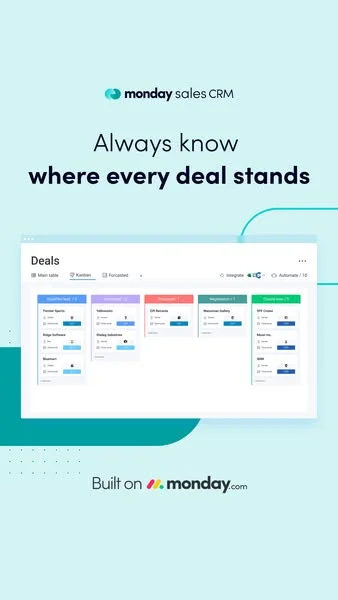
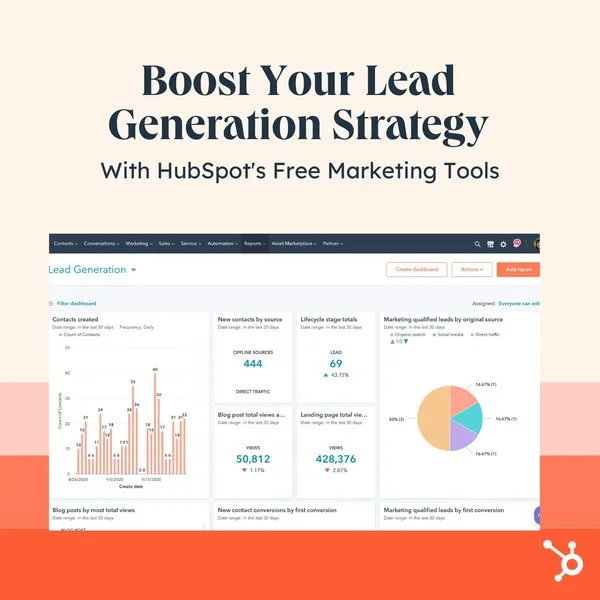
Layout patterns are tight. iPhone frame centered (in Apple-accurate proportions) with the screen filling the full device display area. Or interface zoom-ins showing one feature at close range with arrow callouts. Or dashboard-style hero shots for B2B SaaS. Backgrounds usually stay minimal — single color, gradient, or blurred brand environment — so the UI is the visual hero. Typography outside the frame keeps the interface readable; typography inside the frame competes with the app's actual UI and creates visual chaos.
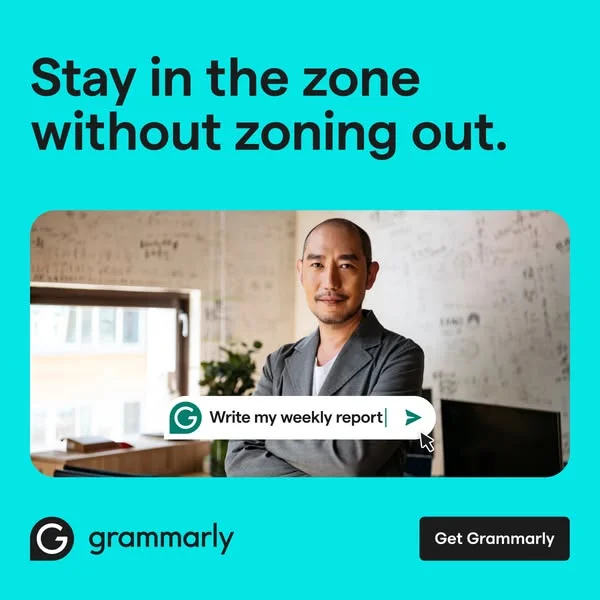
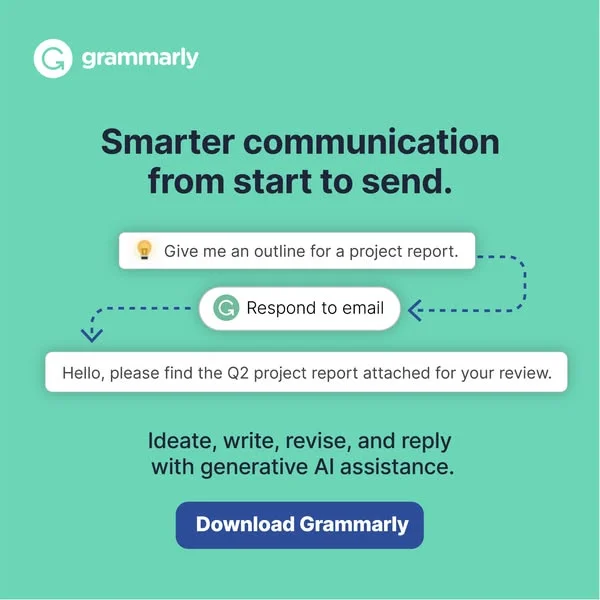
Ad examples below cover app-install and SaaS interface creative from B2C apps, B2B dashboards, and mobile-first products. Clone a layout and place your app screenshot into the device frame or zoom composition.

 Why Clone Ads
What Makes App & UI Ads Convert
Real screenshot, not mockup
Mocked-up interfaces (fake UI with placeholder data) read as untrustworthy. Real app screenshots with genuine data, real copy, and authentic interface states out-convert mockups because buyers can tell the difference. If the feature isn't live yet, wait to ship the ad or blur out non-representative UI elements.
Annotate one feature
App UI ads that try to show five features at once lose on every feature. Annotate one — arrow, callout box, or zoom frame pointing to the single feature the ad is selling. Save the rest for separate ads or the landing page. One feature per ad out-converts multi-feature creative across SaaS verticals.
iPhone frame, accurate proportions
iPhone mockup frames with the wrong aspect ratio, incorrect bezel thickness, or outdated device (iPhone X style in 2026) kill credibility instantly. Use current-generation device frames (iPhone 15/16 with Dynamic Island or bezel-less display) with accurate proportions. Clone references built on current device mockups.
Dashboard hero shots on LinkedIn (landscape 1200x627), iPhone mobile-app mockups on Meta and TikTok (9:16 portrait), and feature-zoom annotations on Google Display. Each platform rewards different UI ad patterns. Designing once and exporting across three aspect ratios covers every placement without redesigning per channel.
UI-forward creative out-converts lifestyle creative for app installs in most categories because mobile app buyers want to see what they're installing. Lifestyle imagery works for consumer product apps (fitness, food, wellness) where outcome matters more than interface. For utility, productivity, and B2B apps, showing the UI directly is the winning format.
LinkedIn for B2B SaaS dashboard creative — the audience buys on feature reveals and interface quality. Meta and TikTok for B2C app installs where the mobile UI needs to be visible. Google Display for retargeting audiences who visited the product landing page. App Store Connect ads run UI-forward by default because the format demands it.
Fake mocked-up interfaces with placeholder data. Outdated device frames (iPhone X in 2026 ads). Five features annotated in one ad when one should be highlighted. Typography inside the frame competing with actual UI. Screenshots taken at the wrong DPR that look blurry at mobile size. Each mistake erodes the credibility that UI-forward creative exists to build.
Generate 8-10 variants using existing app screenshots — different device frames, different feature callouts, different backgrounds. Run the variants against a control (your current top-performing ad) for 5-7 days at low budget. Top 2-3 performers get scaled; the rest get killed. Creative testing velocity beats creative perfection in the early campaign phase.
Create Your Own
App & UI Ad
Clone any app & ui ad example. Upload your product photo. Seconds later, you have a finished ad ready to launch.
Create your ad