Grammarly Ad Examples
Browse 42 Grammarly ads ad examples sourced from high-performing campaigns. Clone any design, swap in your product, and get a finished ad in seconds.
Updated September 2026
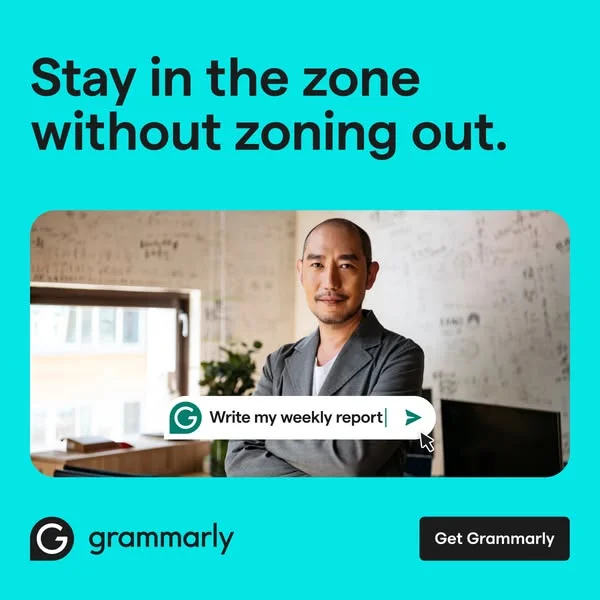
Grammarly ads earn their click with a single visual trick — the red squiggle. You've seen it 10,000 times: a sentence with a mistake, then the Grammarly popover fixing it in real time. That's the whole ad. No hero shot, no lifestyle photography, a product demo frozen at the aha moment.
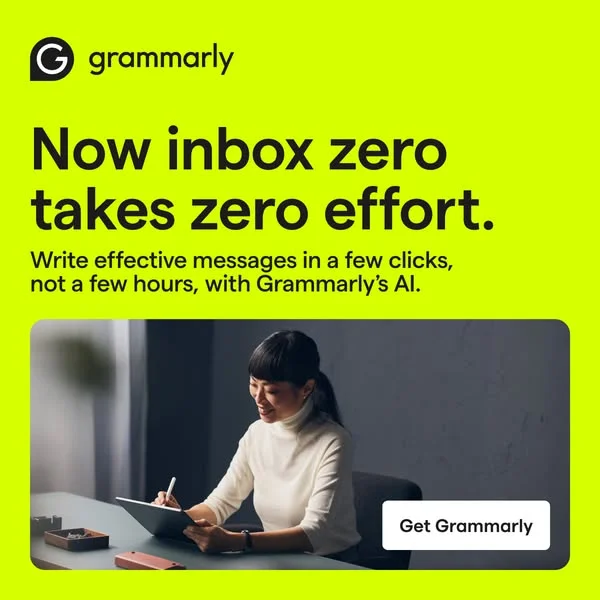
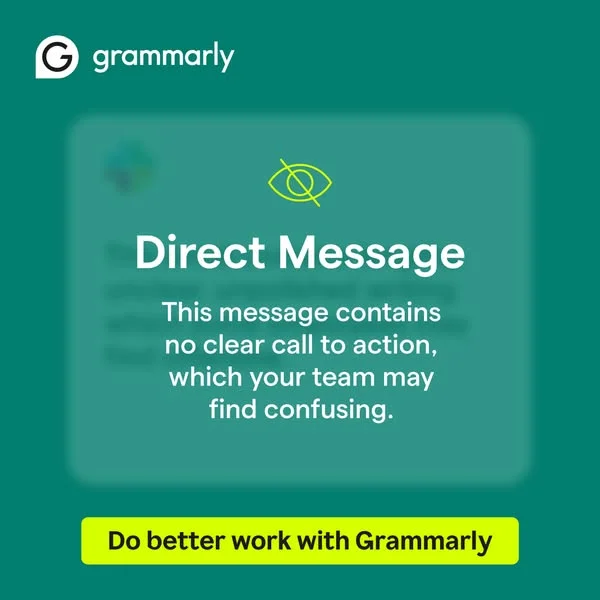
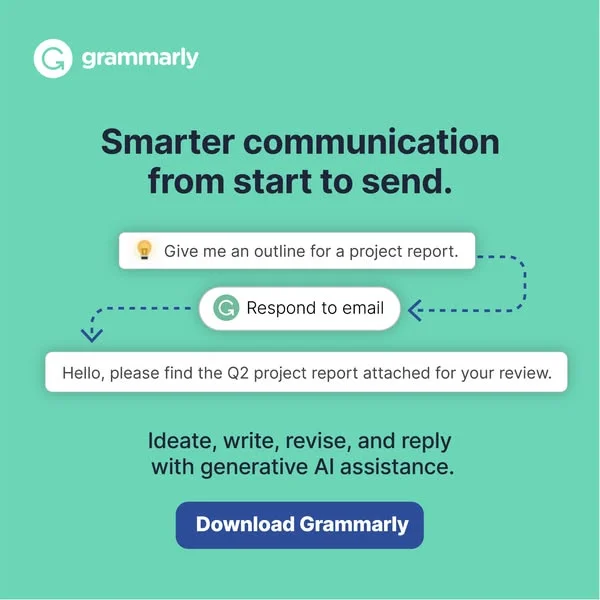
Across paid channels, the pattern holds. Bright green branding, white or soft-gray backgrounds, screenshot-first composition. Copy stays problem-led: "Say what you mean," "Write with confidence," "Stop second-guessing every email." Ad placements split across Facebook, LinkedIn, and YouTube pre-roll — LinkedIn for B2B and enterprise, Facebook and YouTube for students and casual writers. Video ads follow the same demo structure, showing the extension running inside Gmail, Docs, or LinkedIn.
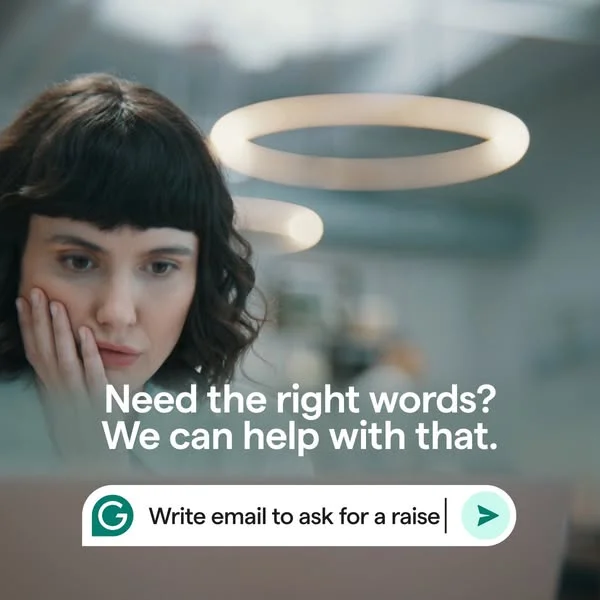
Our Grammarly ad examples collection captures product demos, testimonial carousels, and before-after copy fixes that define the brand. Filter by format to find the screenshot-in-context statics, the talking-head founder spots, and the LinkedIn case-study carousels that each serve different parts of the funnel. Annotations call out where the squiggle sits, what copy leads the frame, and how the palette stays locked across years of creative.

 Why Clone Ads
What Makes Grammarly Ads Convert
Show the product fixing something, not sitting pretty
Grammarly never runs a static product screenshot. Every ad shows a mistake being caught — an underline, a suggestion popover, a typo turning correct. SaaS buyers scroll past static UI shots; they stop for resolution. Frame every ad as a before-after demo.
Own one color and repeat it across every asset
Grammarly green burns into your retina by the third ad. Not because it's pretty, but because it's consistent. One brand color applied to the logo, the CTA button, and the accent squiggles does 30% of the brand-recall work on its own.
Lead with the writer's doubt, not the feature list
Grammarly's strongest headlines run problem-first: "Does this email sound too aggressive?" They speak the internal monologue of the reader before naming the fix. Feature-led openers ("AI-powered grammar checking") lose scroll battles to doubt-led openers every time.
Grammarly ads convert because they run a live product demo inside the ad frame. A typo, an underline, a one-click fix — the entire hook lands in two seconds of scrolling. Pair that with problem-led copy ("Does this sound professional?"), a consistent green palette, and placements on channels where people are actively writing (LinkedIn, Gmail-adjacent Google Display), and the ad does the demo before a user hits the landing page.
Grammarly owns a specific bright green — the green that now reads as "writing tool" across the SaaS industry. Backgrounds skew white, light gray, or soft mint. Red appears only as the error squiggle, and blue sits as secondary accent. Two colors do 90% of the work, with one accent for error-state. Extra color noise would dilute the product recognition Grammarly has spent years building.
Grammarly runs cross-platform with clear audience splits. Facebook and Instagram target students, bloggers, and casual writers. LinkedIn targets professionals and enterprise buyers with team plans. YouTube pre-roll runs testimonial and founder-style spots. Google Display retargets based on visits to productivity and writing sites. Creative adapts slightly per platform — more product demo on Facebook, more testimonial copy on LinkedIn — with green and squiggle staying constant.
Testimonial carousels run as a Grammarly staple, especially on LinkedIn. Format stays consistent: a headshot, a first-name attribution, a specific outcome ("I write 30% faster"), and a product screenshot below. Claims stay concrete and measurable — not "I love Grammarly" but "Closed three more deals last quarter." Specificity separates their testimonial ads from generic case-study card designs most B2B SaaS brands ship.
Short. Primary text runs five to twelve words on Facebook and Instagram, eight to sixteen on LinkedIn where the audience reads longer. Headlines rarely exceed seven words ("Write with confidence," "Know your tone"). CTA text stays action-verb clean — "Get Grammarly," "Try free." Video ads voice-over tighter than 30 seconds, with copy tied to an on-screen product fix rather than standalone narration.
Create Your Own
Grammarly Ad
Clone any grammarly ad example. Upload your product photo. Seconds later, you have a finished ad ready to launch.
Create your ad